E-Commerce Website
Live
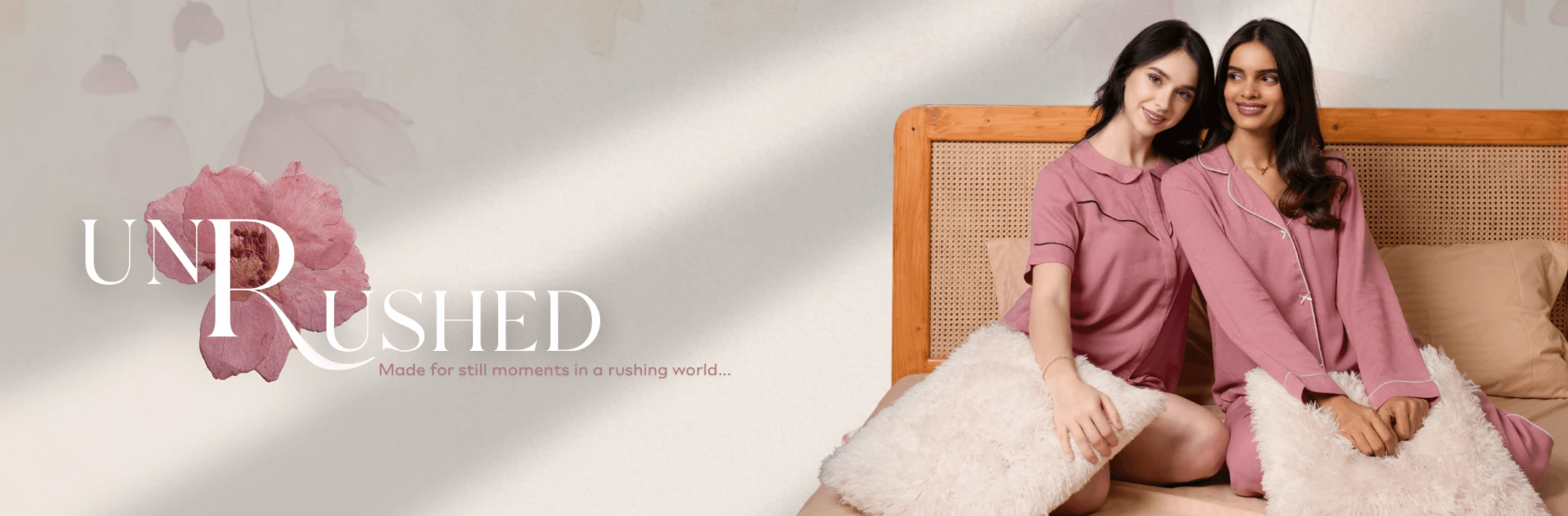
A fashion e-commerce website targeted towards women founded by women
Overview
- The project purpose is to sell products for women’s of all ages by introducing various sales and collections frequently.
Role and Responsibilities
- I have played a amazing role in the project as Visual Designer as well as UX researcher like i wore multiple hats sometimes even graphic works for banners etc.
- My primary tasks included refining the UX flows to improve user experience and revamping the website's design system to upgrade it from the older version.
Some other responsibilities such as designing sale banners frequently !
Problem Statement
- The main problem we had during this project was the time constraint. (I KNOW EVEN EVERY ROLE HAS THIS PROBLEM 😅 but for us, it was pretty intense). With frequent sales and collection launches, we had to work on tight deadlines — sometimes designing and finalizing banners, flows, and visuals within hours.
- This was significant because it directly impacted the quality and consistency of our work. We were trying to maintain a strong visual identity and seamless user experience while the clock kept ticking — not an easy balance!
Research and Insights
- We used a mix of Market research and User Feedback to understand how women of different age groups shop online — what excites them, what confuses them, and what turns them off.
- One interesting insight was that many users were drawn to vibrant sales visuals but dropped off if the flow was even slightly confusing. It showed us that visual attraction pulls them in, but UX keeps them
Design Process
- Ideation and brainstorming sessions.
- Wireframes, sketches, and prototypes (with visuals or links to interactive prototypes).
- Design iterations and feedback loops.
Design Solutions
- The final designs were clean yet bold — focusing on strong CTA placements and banner spaces since sales were a major part of our strategy.
-I kept the UI minimal but layered it with seasonal visual elements during offers — like festive sparkles, monsoon drops, etc., to create that excitement.
-Accessibility was always in the back of my mind — I made sure font sizes were readable, color contrasts were on point, and interactive elements had enough visual feedback.
Tools and Technologies
- List of tools and technologies used (e.g., Figma, Sketch, Adobe XD).
- Any development tools if you were involved in the implementation.
Challenges and Solutions
- Specific challenges faced during the project.
- How you overcame these challenges.
Visuals and Media
- High-quality images of your work (screenshots, mockups).
- Videos or GIFs of interactions and animations.
- Links to live projects or prototypes.